▧
01. Add a screenshot
Choose an image from Photos or share it from another app. Save what catches your eye, without changing your habits.
Turn screenshots into searchable, organized knowledge with on-device AI. Choose a downloadable local model or Apple Intelligence on supported devices.
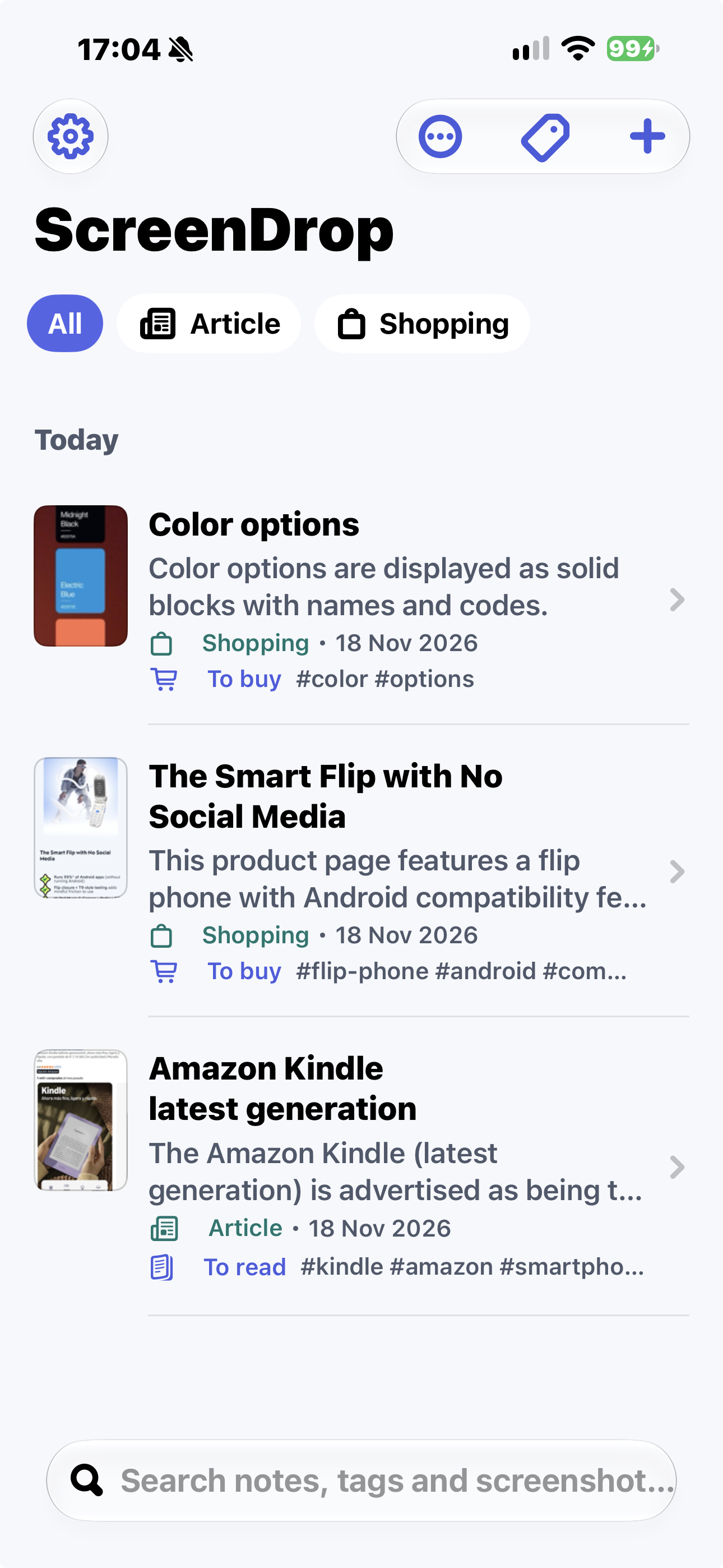
Your screenshots shouldn't disappear into a camera roll. ScreenDrop makes them useful, organized and easy to rediscover.
Choose an image from Photos or share it from another app. Save what catches your eye, without changing your habits.
ScreenDrop creates a note with a title, summary, relevant details and tags, helping categorize what you captured.
Browse your library or search notes, tags and screenshot content instead of scrolling endlessly through Photos.
Recipes, articles, shopping ideas, things to read later: give every screenshot a purpose. ScreenDrop keeps the original image together with an AI-generated note.
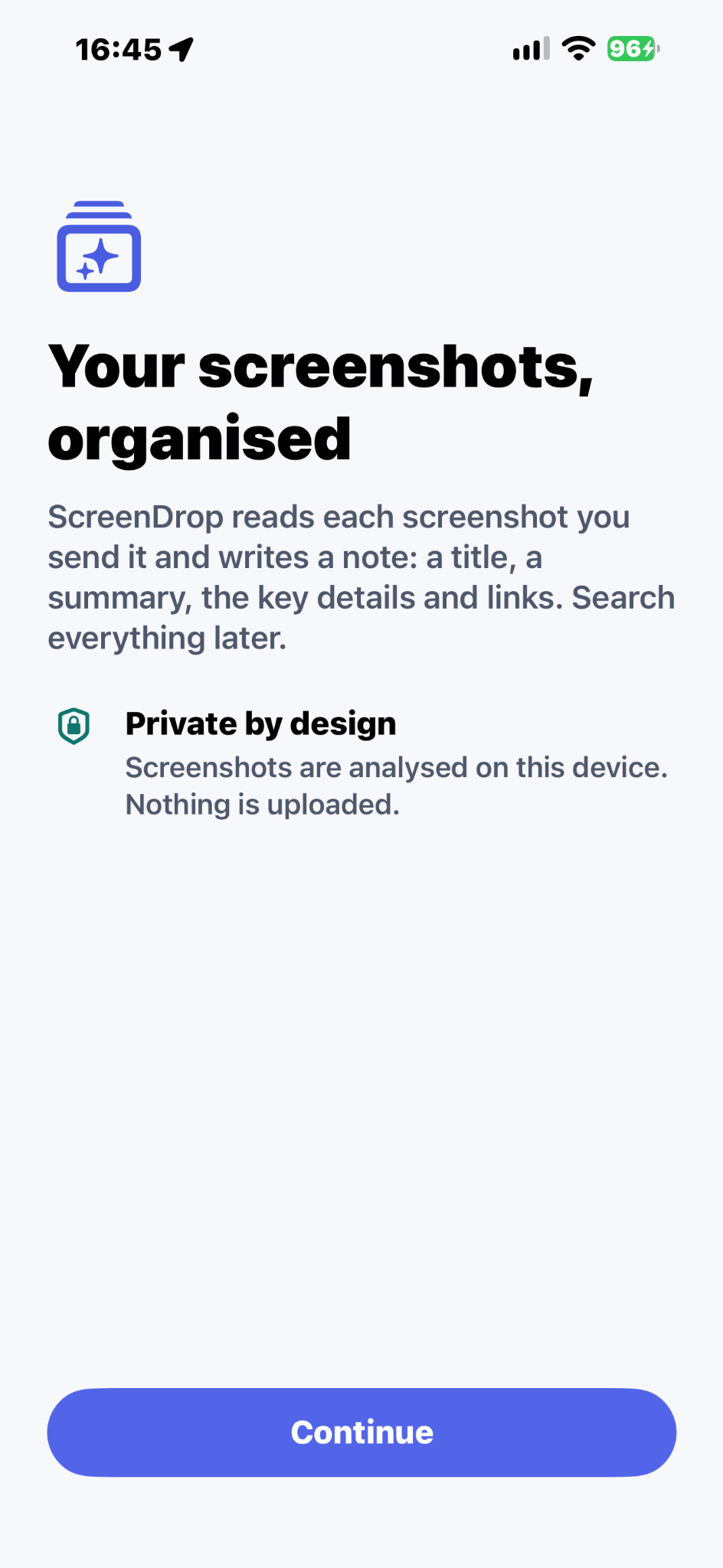
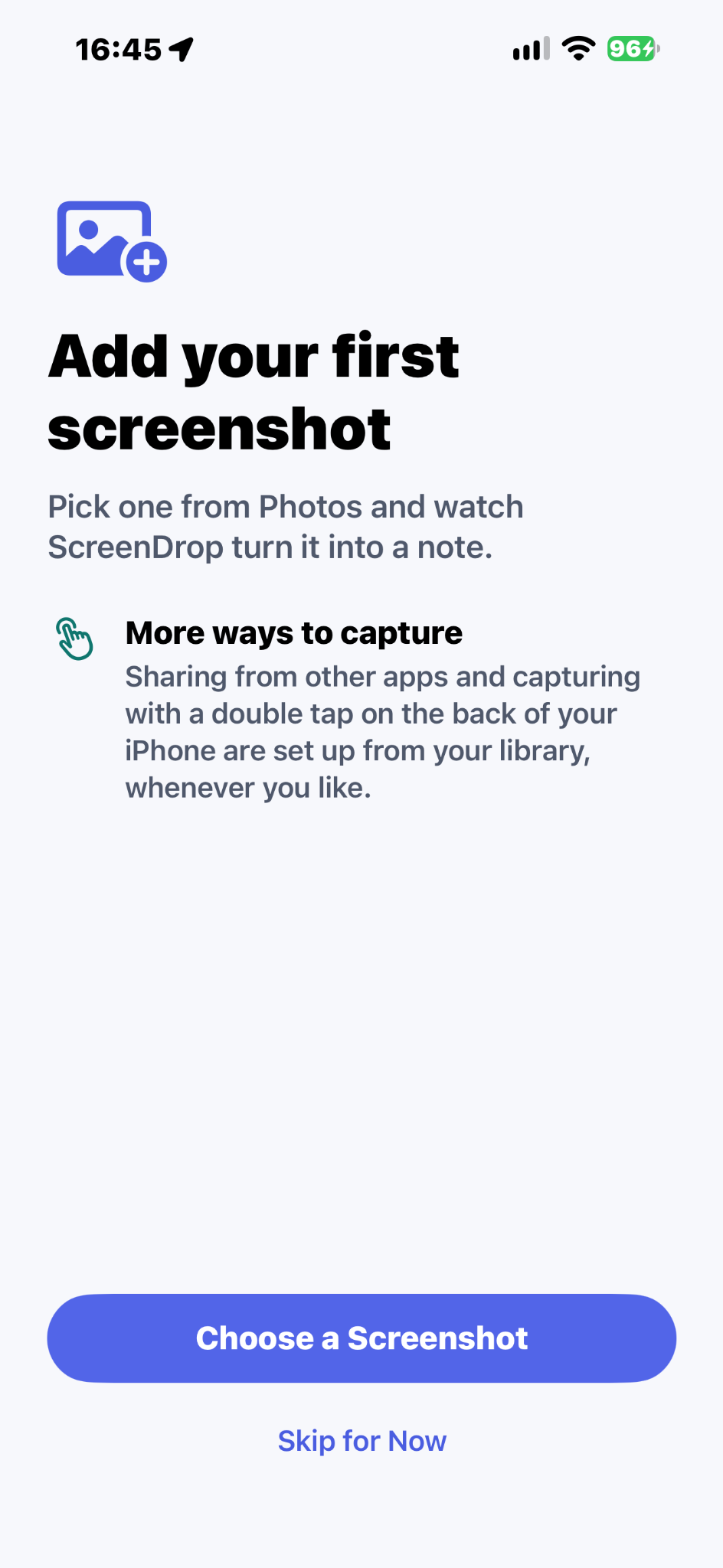
Choose how ScreenDrop analyzes your screenshots. You can switch between the available AI options at any time.
Download an AI model directly to your iPhone. Screenshot analysis runs on your device, without uploading screenshots for processing.
Prefer not to download a separate model? ScreenDrop can use Apple Intelligence on compatible devices, subject to Apple's availability and processing policies.